AI Graduation Photos: Cap and Gown Portraits from Selfies
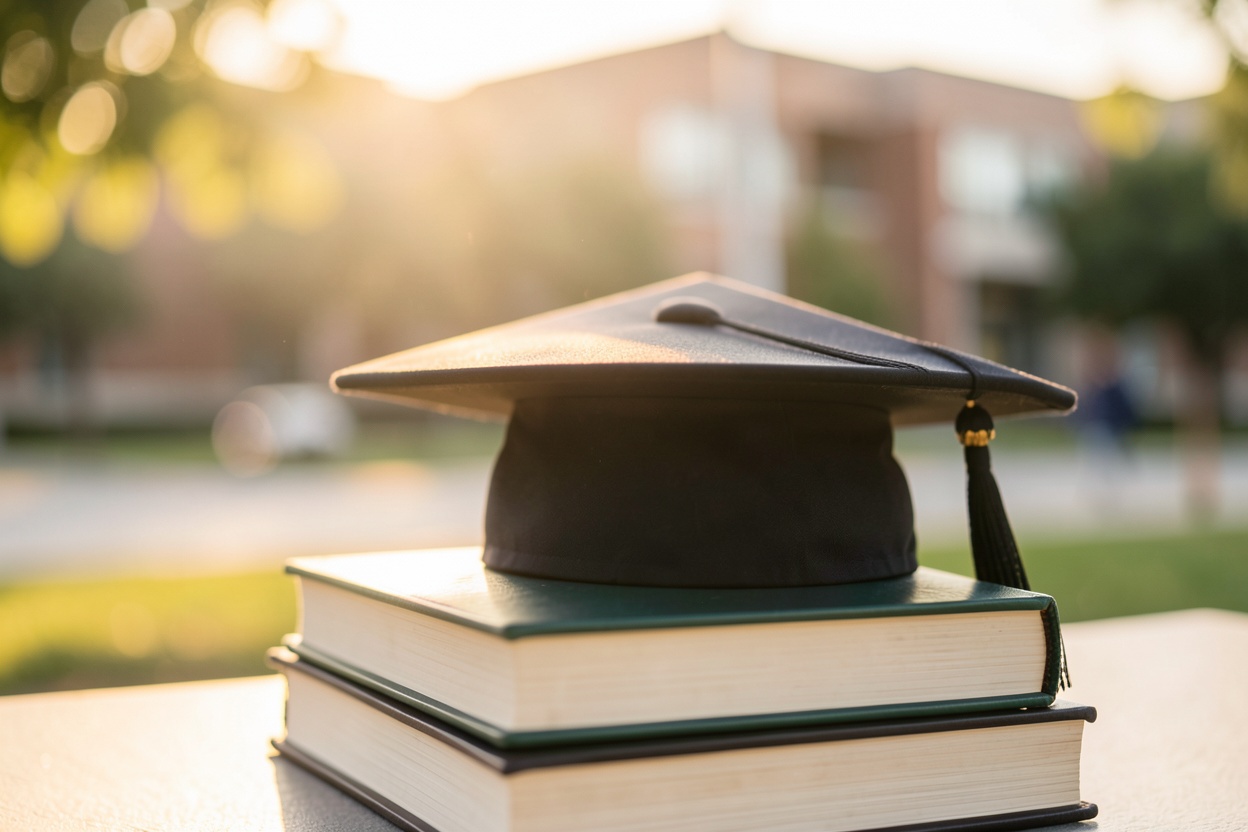
Graduation is one of the few milestones everyone wants documented — the cap, the gown, the campus, the proud-family photo. But between finals, moving out and the ceremony itself, booking a graduation photoshoot is one more thing to schedule and pay for. AI graduation photos are the practical alternative: cap-and-gown portraits generated from selfies you already have.
Why grads and families want them
- Announcements and invitations. A proper portrait for graduation announcements, party invites and thank-you cards.
- A LinkedIn-ready photo. Graduation and the job hunt arrive together — a polished headshot earns its keep immediately.
- Family keepsakes. Prints and frames for parents and grandparents who couldn't make the ceremony.
- Social posts. The milestone deserves better than a blurry phone snap in a borrowed gown.
How to get AI graduation photos with Hermosso
- Gather 10–20 photos of yourself. Different angles, lighting and expressions. Avoid sunglasses, hats, heavy filters and group shots. Hermosso trains a private AI model on your face in about two minutes — or you can use an instant engine with no training at all.
- Pick the Graduation pack. It generates cap-and-gown portraits in campus settings — holding a diploma, tossing the cap in the air, classic posed shots in front of university buildings.
- Generate and curate. Each photo costs 50 credits, and new accounts get 750 free. Generate a set, then pick the frames where you look most like yourself on a good day.
- Download and share. Use them for announcements, LinkedIn, prints and family gifts.
Tips for the best input photos
Quality in equals quality out. Use sharp, recent photos where your face is clearly visible, with different angles, lighting and expressions. Include a few different outfits so the model doesn't over-associate you with one look. Good light in, good result out: an evenly lit selfie gives the AI a clean canvas to learn your features from.
Getting more from the same model
The graduation portraits are usually just the start. Because your personal model stays in your account, the same selfies can produce a LinkedIn Headshots set for job applications, a Family session for relatives who want a group-style portrait, or a celebratory lifestyle shoot for the announcement post. One upload, one model, every milestone covered — which is exactly why a credit-based studio suits graduation season better than a single-use service.
When to do it
The practical answer: earlier than you think. Graduation week is chaos, and the day itself produces plenty of candids but rarely a polished portrait. Generating your set a week or two before the ceremony means announcements can go out on the day, prints can be ordered in time for the party, and you walk across the stage knowing the photos are already handled.
Cost vs a real graduation photoshoot
A traditional graduation or senior portrait session typically runs well into three figures once you include the sitting fee and a handful of edited images — and that's if you can book one during the busiest season of the school year. Hermosso's Starter plan is $9 for 5,000 credits — enough for your trained model plus a full set of graduation portraits, with credits left over for LinkedIn headshots from the same model. See the pricing page for details.
To be fair to the traditional route: a real photographer captures the actual day — the ceremony, the real campus, your actual gown. AI photos are the practical option when the shoot didn't happen, the budget didn't stretch, or you simply want more polished options than the day-of snaps.
Try it on your own photos
Upload a few selfies, and Hermosso trains a private AI model of you — then generates studio-quality photos in any style. Your first credits are free.
Create your AI photos →Frequently asked questions
Can AI generate graduation photos in a cap and gown?
Yes. Hermosso's Graduation pack generates cap-and-gown portraits — holding a diploma, tossing the cap, posed campus shots — from a personal AI model trained on 10–20 of your selfies, or instantly with the no-training engines.
How many photos do I need to upload?
Around 10–20 varied photos works best — different angles, lighting and expressions, with your face clearly visible and no sunglasses, hats or heavy filters. Training takes about two minutes, and the instant engines skip training entirely.
How much do AI graduation photos cost compared to a photoshoot?
A traditional session typically costs well into three figures once you include edited images. Hermosso's Starter plan is $9 for 5,000 credits (50 credits = 1 photo), and new accounts get 750 free credits on signup.
Can I get a LinkedIn headshot from the same photos?
Yes. Once your model is trained, you can generate any pack — including LinkedIn Headshots and Studio Headshot Pro — without uploading again, which is handy when graduation and job hunting land at the same time.
Will the photos actually look like me?
The model is trained on your own photos specifically to preserve your likeness. Use sharp, recent, varied input photos and choose the most natural-looking results — the ones that look like you on a good day.