GPT Image 2 vs Nano Banana 2 vs Seedream 5: We Tested 17 AI Image Models
Every few weeks a new AI image model claims the crown — and most "comparisons" are one model's marketing page. So we ran a real test: the same prompts across the 18 image engines in Hermosso's Create studio (17 models — Seedream 5 Pro runs separate 1K and 2K engines), from OpenAI, Google, ByteDance, Black Forest Labs, Recraft, Ideogram and Krea. Here's the lineup, what each is genuinely good at, and how to pick.
How we tested
We ran an identical set of prompts through every engine — a photorealistic portrait, a product shot, a poster with legible text, and an illustration — and judged four things: image quality, prompt accuracy, speed and cost per image (in Hermosso credits, where 50 credits covers a standard image). The point wasn't to crown one winner: different models win different jobs.
The headline models
GPT Image 2 (OpenAI, 100 credits). The strongest instruction-follower in the test: complex, multi-part prompts — "a poster with this exact headline, three objects arranged left to right" — came back right more often than with anything else. Around a minute per image.
Nano Banana 2 (Google, 100–200 credits). The flagship all-rounder, and the only model here with true multi-resolution output up to 4K (100 credits at 1K, 150 at 2K, 200 at 4K). Our pick when maximum fidelity matters — print assets, detailed scenes. It also accepts reference images, which makes it excellent for edits and compositions.
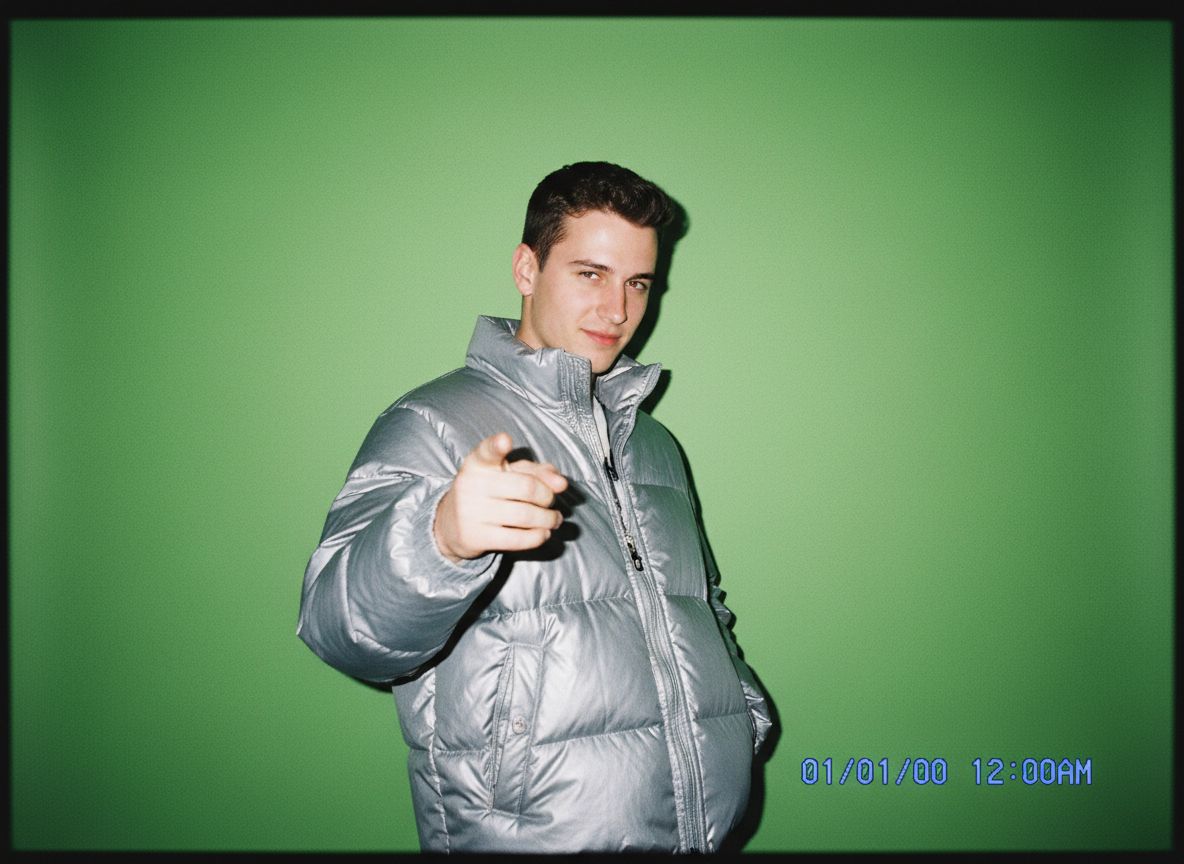
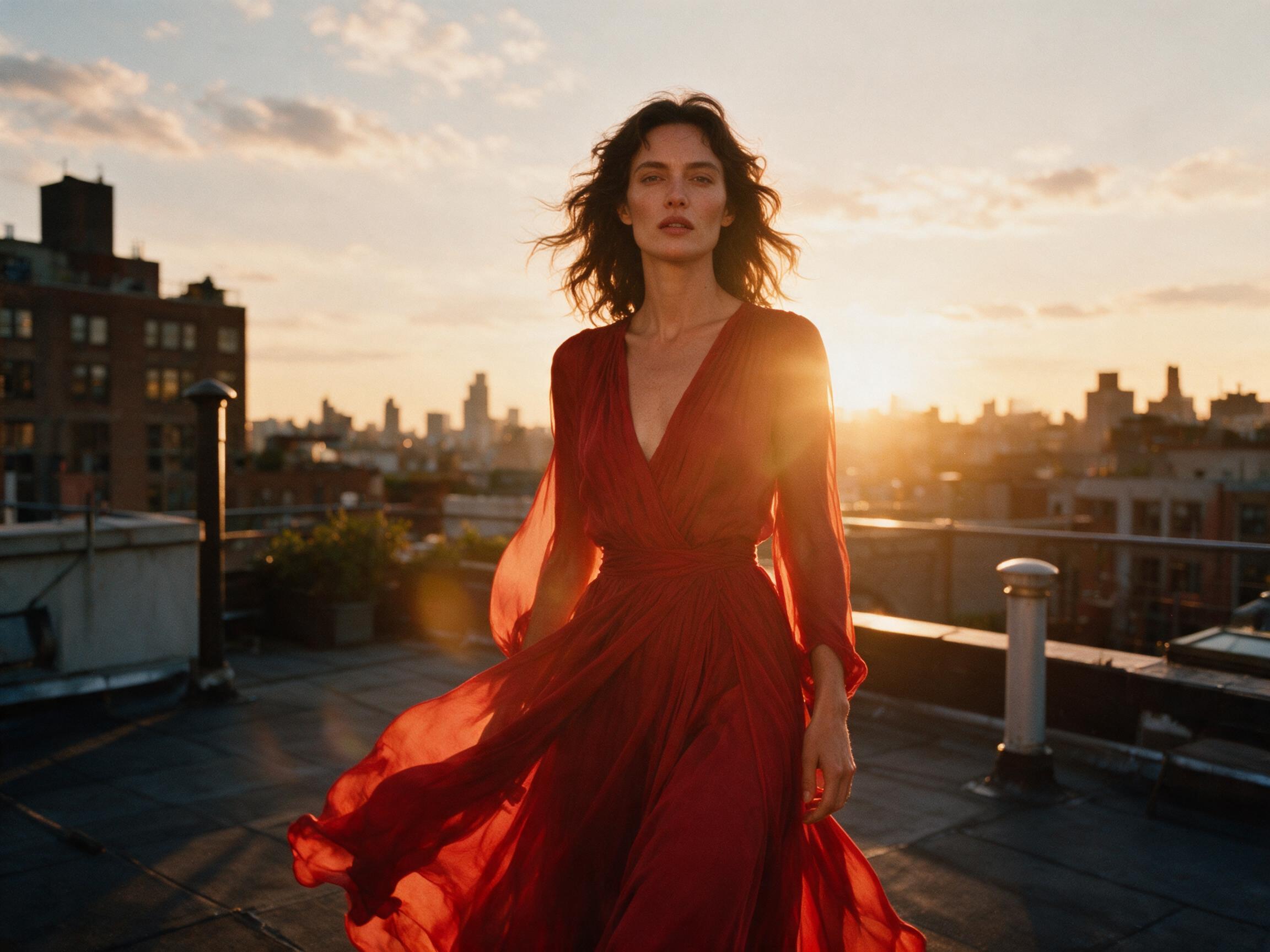
Seedream 5 Pro (ByteDance, 50–100 credits). The premium photorealism engine — the same model family that powers Hermosso's portrait packs — with 1K and 2K output. Expect around two minutes per image; the wait buys rich lighting and skin texture.
The specialists
Recraft V4 (50 credits) is built for design work — clean graphics, icons and layouts. Ideogram V4 Turbo (50 credits) is the typography specialist: posters, logos and anything where the text has to be legible — the newer, sharper successor to V3 Turbo. Ideogram Character (100 credits) does something different: attach one reference photo and it keeps that face consistent across generated images — the only engine here that requires a reference. Imagen 4 Ultra (100 credits) is Google's top photoreal tier. Krea 2 (100 credits) is the newest addition — Krea's own open-weights model with a distinctive aesthetic look. FLUX 2 Klein (50 credits) is the instant-draft engine — near-immediate results, perfect for exploring prompt variations before committing credits to a flagship render. FLUX 2 Pro (100 credits) and FLUX 1.1 Pro (50 credits) round out Black Forest Labs' premium photorealism options.
The fast tier
For volume and iteration, the 50-credit fast models are the workhorses: Nano Banana 2 Lite, Seedream 5 Lite (about 30 seconds per image), the original Nano Banana, FLUX Schnell and Imagen 4. In our tests these landed surprisingly close to the flagships on straightforward prompts — the gap shows mainly on complex compositions, text and fine detail.
Reference images: editing vs generating
Ten of the engines accept reference images — upload a photo and ask for changes, compositions or fusions: Nano Banana, Nano Banana 2 and 2 Lite, Seedream 5 Pro (1K and 2K), Seedream 5 Lite, GPT Image 2, FLUX 2 Pro and FLUX 2 Klein, plus Ideogram Character, which is built around a reference photo entirely. Recraft, Ideogram V3/V4 Turbo, Imagen 4 and 4 Ultra, FLUX Schnell and FLUX 1.1 Pro are text-only. If your task starts from an existing image, pick a reference-capable model.
So which should you use?
- Maximum quality or 4K output? Nano Banana 2.
- Complex prompts with text or exact layouts? GPT Image 2 — or Ideogram for posters and logos.
- Photorealistic portraits? Seedream 5 Pro.
- Drafting and iteration? FLUX 2 Klein or the 50-credit fast tier — then re-render the winner on a flagship.
- The same face across many images? Ideogram Character — attach one reference photo and it holds the identity.
The underrated advantage of a multi-model studio is that you don't have to choose blind: credits work across every engine and new accounts get 750 free, so you can run the same prompt through three models and keep the best — which is exactly what we did.
Try it on your own photos
Upload a few selfies, and Hermosso trains a private AI model of you — then generates studio-quality photos in any style. Your first credits are free.
Create your AI photos →Frequently asked questions
Which AI image model is the best in 2026?
There's no single winner — it depends on the job. In our tests: Nano Banana 2 for maximum quality and 4K output, GPT Image 2 for complex instruction-following, Seedream 5 Pro for photorealistic portraits, Ideogram for text-heavy posters, and the 50-credit fast tier for drafting and iteration.
How many AI image models does Hermosso have?
The Create studio offers 17 models backed by 18 engines (Seedream 5 Pro has separate 1K and 2K engines), from OpenAI, Google, ByteDance, Black Forest Labs, Recraft, Ideogram and Krea — including GPT Image 2, Nano Banana 2, Seedream 5 Pro, FLUX 2, Recraft V4, Ideogram V4 Turbo, Imagen 4 Ultra and Krea 2 — all usable with the same credits.
How much does each model cost to use?
Most models cost 50 credits per image. GPT Image 2 and FLUX 2 Pro cost 100 credits; Nano Banana 2 costs 100–200 credits depending on resolution (1K/2K/4K); Seedream 5 Pro is 50–100 credits. New accounts get 750 free credits, and plans start at $9/month for 5,000 credits.
Can I edit an existing photo with these models?
Yes — ten engines accept reference images: the Nano Banana family, Seedream 5 Pro and 5 Lite, GPT Image 2, FLUX 2 Pro and Klein, plus Ideogram Character, which is built around one. Recraft, Ideogram V3/V4 Turbo, Imagen 4, FLUX Schnell and FLUX 1.1 Pro are text-only.
What about generating photos of myself specifically?
The Create studio is free-form text-to-image. For realistic photos of you, Hermosso's personal-model flow — train a Flux LoRA model or use the instant engines — plus the 67 curated packs is the right tool.