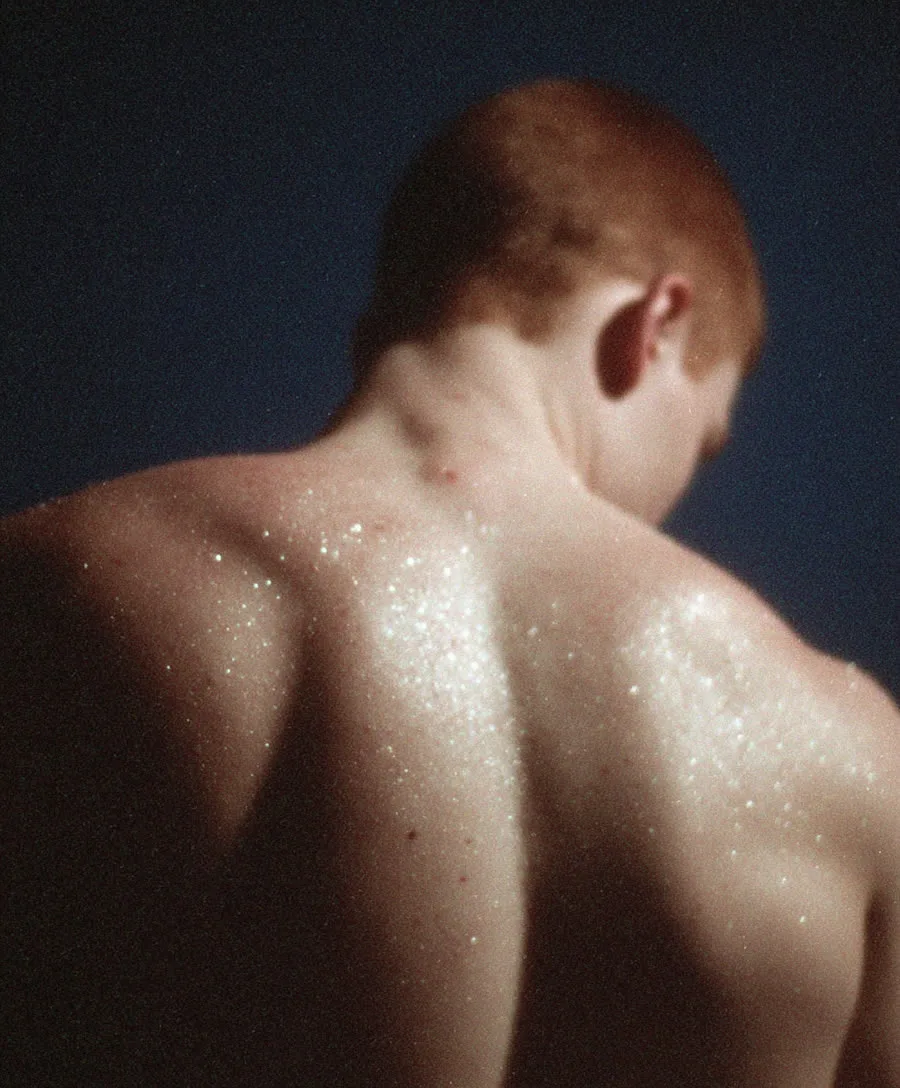
“2026 Is the New 2016”: How to Make the Viral Nostalgia AI Photos
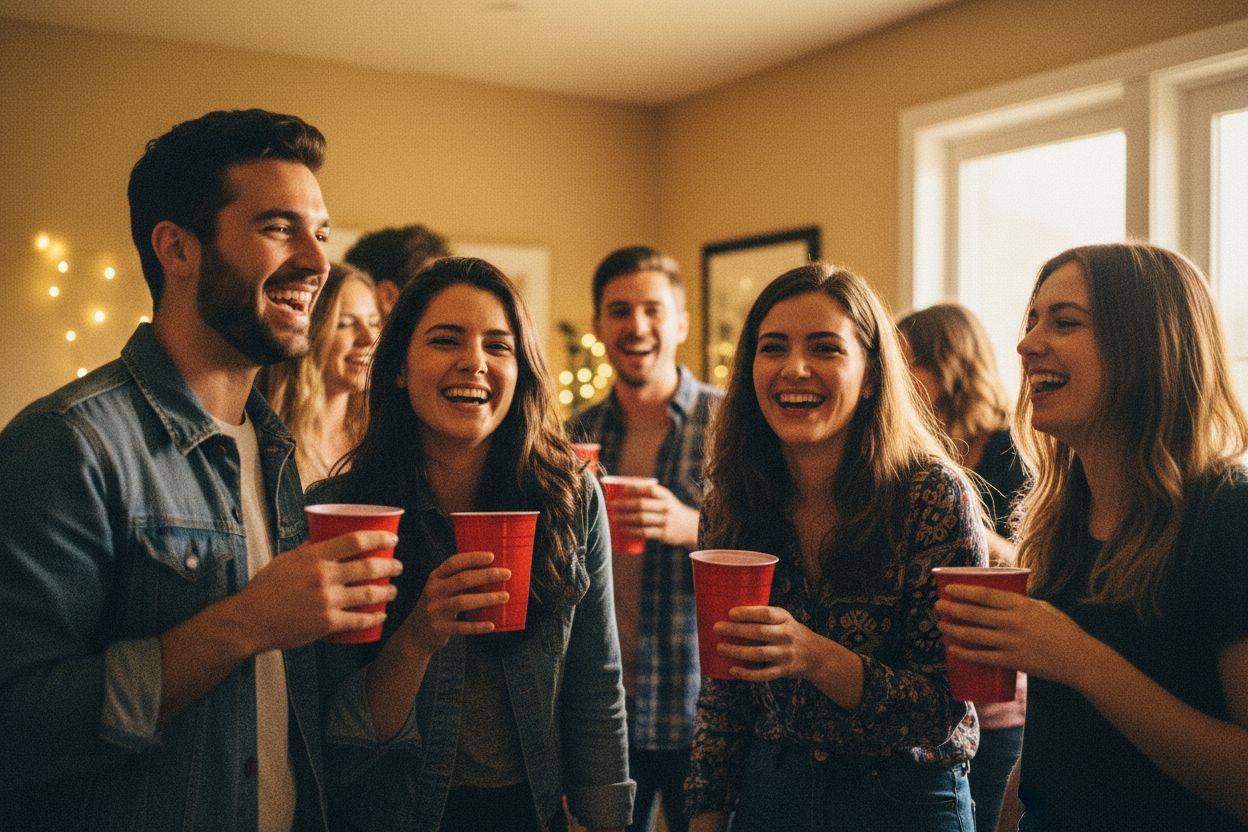
The biggest photo trend of 2026 is a deliberate step backwards: feeds full of grainy, flash-lit, slightly off photos that look like they were shot on a 2016 smartphone — Snapchat-era selfies, washed-out party flash, lo-fi sunsets. It started on TikTok around New Year ("2026 is the new 2016") and never left. The joke, of course, is that most of these "authentic" throwback photos are made with AI. Here's the trend explained, and how to make your own versions in minutes.
Why 2016, and why now?
Every aesthetic cycle is a reaction to the one before it. A year of hyper-polished, impossibly perfect AI imagery produced a backlash: photos that feel real precisely because they're imperfect — motion blur, harsh direct flash, weird cropping, the front-facing camera's slight distortion. 2016 is the reference point because it's the last era before feeds became fully curated: Valencia filters, flower-crown lenses, concerts filmed on phones held too high. Nostalgia plus anti-perfection plus a recognisable visual language = a trend with legs.
The anatomy of the 2016 look
- Direct on-camera flash — flat light, hard shadow behind the subject, dark background.
- Lo-fi texture — visible grain, slight softness, mild chromatic noise; nothing tack-sharp.
- Casual framing — off-centre subjects, cropped foreheads, the arm's-length selfie angle.
- Period tells — warm white balance, low dynamic range, skies blown to white.
How to make your own with AI
Two routes on Hermosso, depending on whether you want the trend to star you:
- With your own face: train an AI persona from 10–20 selfies (about two minutes, or skip training with the instant engines), then generate from the throwback-flavoured packs — Polaroid, Analog Film and Retro Photobooth all nail the lo-fi, flash-and-grain register with your actual likeness.
- Free-form: in the Create studio, describe the era rather than the subject: "casual 2016 smartphone photo, direct flash, grainy, slightly blurry, warm tones, candid party snapshot". Run it through two or three of the 17 models — the results differ in interesting ways, and 50 credits per image makes experimenting cheap.
Already have a modern photo you want to age backwards? Run it through a vintage-look filter first, then nudge it with a prompt edit in the studio. The trick to selling the trend is restraint: one or two imperfections read as authentic; five read as a filter.
Why this trend is worth a brand's attention
If you create content for an audience, nostalgia formats consistently outperform polished ads in engagement — they read as posts, not promotions. A set of 2016-style images costs a few credits and ten minutes: generate a batch, pick the two that feel most accidental, post those. That's the whole play.
Try it on your own photos
Upload a few selfies, and Hermosso trains a private AI model of you — then generates studio-quality photos in any style. Your first credits are free.
Create your AI photos →Frequently asked questions
What is the '2026 is the new 2016' trend?
A viral photo trend that started on TikTok around New Year 2026: people share grainy, flash-lit, lo-fi photos styled like 2016 smartphone snapshots — a deliberate anti-perfection backlash to hyper-polished AI imagery. Most of the 'throwback' photos are themselves made with AI.
How do I make 2016-style AI photos of myself?
Train a Hermosso AI persona on 10–20 selfies (about two minutes), then generate from throwback packs like Polaroid, Analog Film or Retro Photobooth — or use the Create studio with a prompt like 'casual 2016 smartphone photo, direct flash, grainy, candid'. New accounts get 750 free credits.
What makes a photo look like 2016?
Direct on-camera flash with hard shadows, visible grain and softness, casual off-centre framing, warm white balance and low dynamic range — the visual signature of a mid-2010s smartphone camera, before feeds became fully curated.
Can I turn a modern photo into a 2016-style photo?
Yes — apply a vintage-look filter in Hermosso's Filters tool, then refine with a prompt edit in the Create studio if needed. Keep it to one or two imperfections: restraint is what makes the result read as authentic rather than filtered.