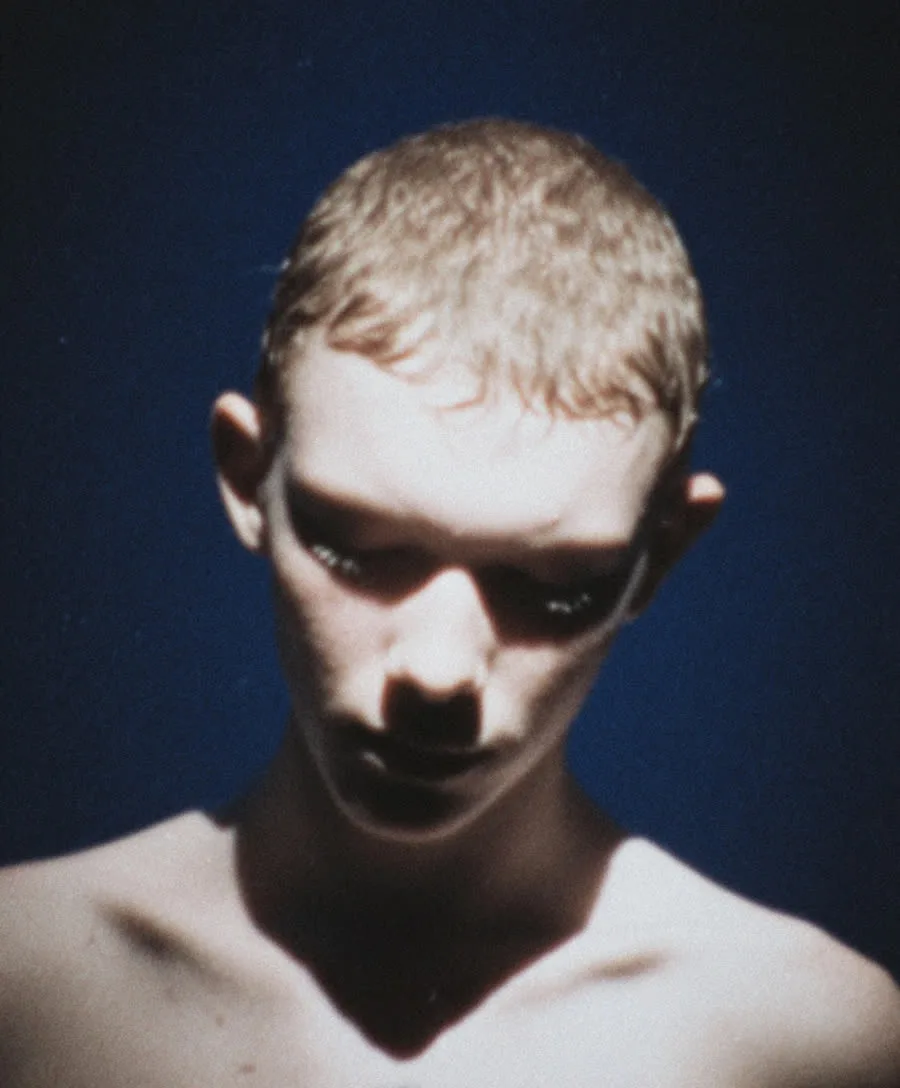
AI Hairstyle Try-On: Preview Any Haircut on Your Own Photo
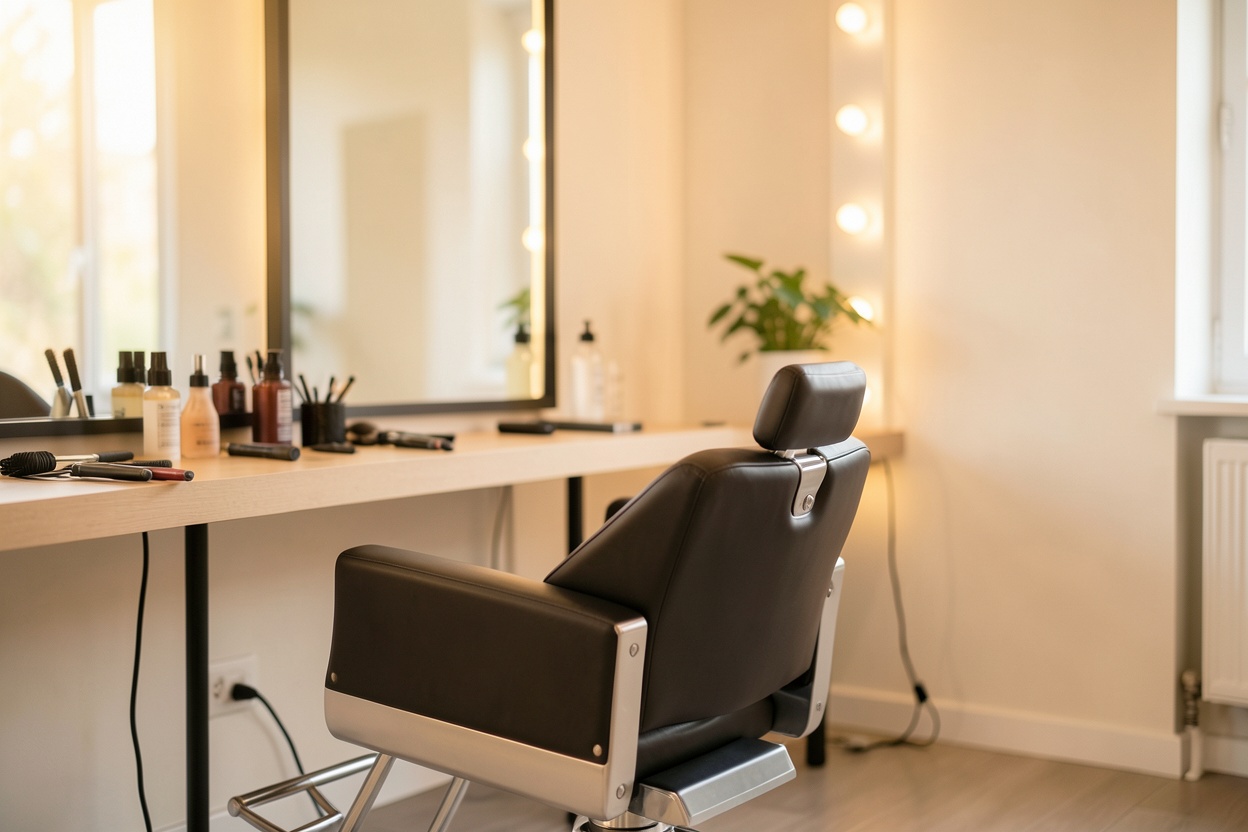
A bad haircut takes months to grow out. A good one can change how you feel about every photo you're in. That gap is exactly why AI hairstyle try-on has become so popular: instead of guessing from a celebrity photo in a salon chair, you can preview a new cut or style on your own face before anyone picks up the scissors.
Why try on a hairstyle before the salon
Stylists will tell you the same cut looks different on every face shape. A reference photo of someone else doesn't answer the question you actually care about: will this suit me? Previewing the style on your own photo removes most of that uncertainty — you can compare options side by side, get honest opinions from friends, and walk into the salon with a picture of you with the cut, which is a far better brief than "something like this model."
How AI hairstyle try-on works on Hermosso
- Upload a photo of yourself — or pick one from your gallery if you already have an account.
- Choose a style from 10+ options, or simply describe the look you want in words — "shoulder-length waves with curtain bangs," for example.
- Generate. The AI restyles your hair while keeping your face, skin and the rest of the photo untouched. Each try-on costs 50 credits, and new accounts get 750 free credits.
Styles you can preview
Because you can describe any style in words, the range is effectively unlimited — but the popular starting points include:
- Bobs and lobs — blunt, layered, or French.
- Pixie cuts and short crops.
- Long waves, curls, or sleek straight looks.
- Bangs — curtain, blunt or wispy — the highest-stakes change of all.
- Updos and buns for events and weddings.
- Colour changes — see yourself blonde, brunette or copper before dyeing.
Tips for realistic results
- Use a clear, front-facing photo with your hair fully visible and not hidden behind a hat or heavy shadow.
- Good light in, good result out. An evenly lit selfie gives the AI a clean canvas.
- Try several styles, not one. The value is in comparison — generate a few options and look at them again the next day with fresh eyes.
- Be specific when describing. "Chin-length blunt bob with a middle part" beats "short hair."
- Bring the result to your stylist as a visual brief, and let them adapt it to your hair type and texture.
Try it on your own photos
Upload a few selfies, and Hermosso trains a private AI model of you — then generates studio-quality photos in any style. Your first credits are free.
Create your AI photos →Frequently asked questions
Can AI show me what I'd look like with a different hairstyle?
Yes. AI hairstyle try-on restyles the hair in your own photo while keeping your face and features unchanged, so you can realistically preview cuts, styles and colours before committing at the salon.
How does Hermosso's Hairstyles tool work?
Upload a photo of yourself (or pick one from your gallery), choose from 10+ hairstyles or describe any style in words, and generate. Each try-on costs 50 credits, and new accounts get 750 free credits.
Can I try bangs or a specific colour before cutting or dyeing?
Yes. Bangs, bobs, pixies, updos and colour changes can all be previewed. Describing the exact style in words — length, parting, fringe, colour — gives the most accurate preview.
What photo should I use for the most realistic result?
A sharp, front-facing photo in good, even light with your hair fully visible. Avoid hats, heavy shadows and extreme angles — the cleaner the input, the more realistic the preview.