How to Turn a Photo into a Talking AI Video (and Lipsync Clips)
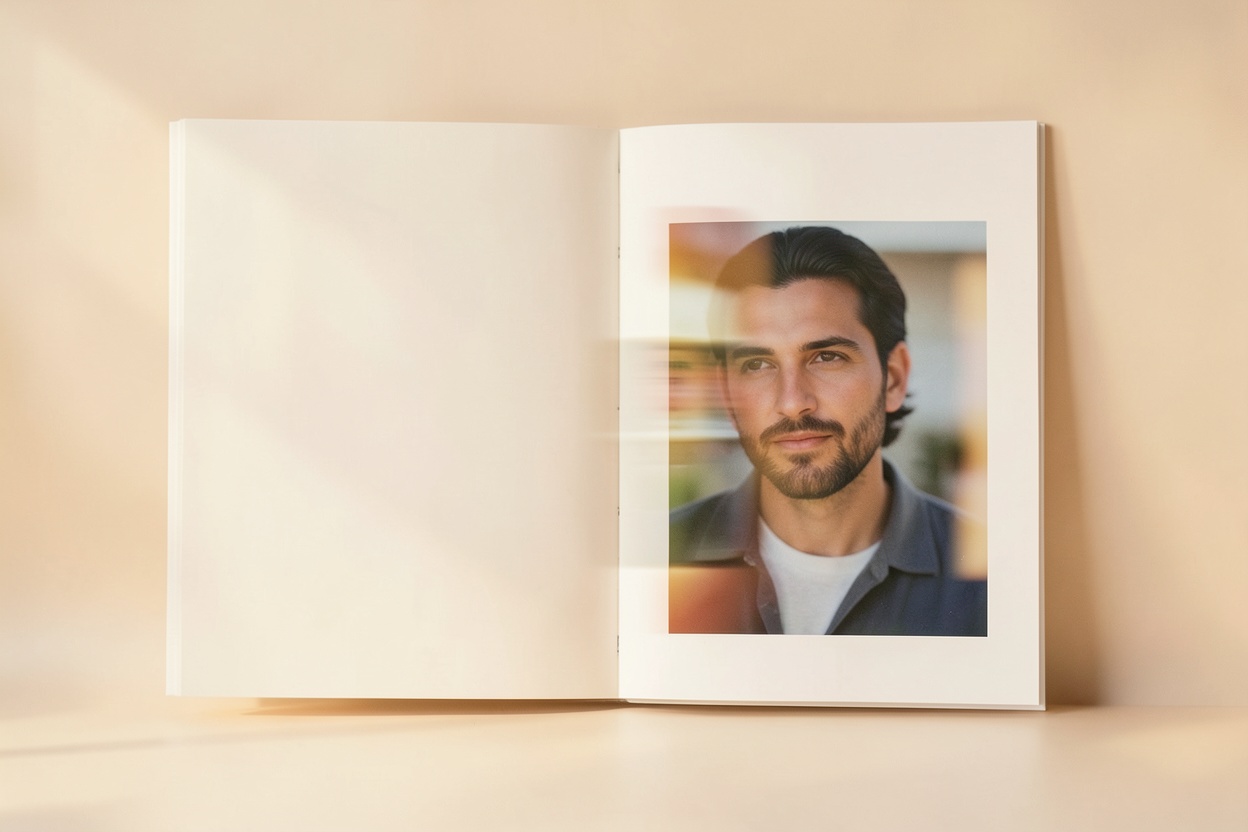
Video gets attention that photos don't — but filming yourself means lighting, setup, and doing take after take. AI talking-photo video skips all of it: from a single still photo and a written script, you get a short clip of that person speaking, with synced lips and natural expression. Here's how it works and where it's genuinely useful.
What a talking-photo video is
It's a short video generated from a still image. The AI animates the face in the photo — mouth movement, subtle expression, natural motion — to match an audio track, so the person in the photo appears to say your words. The same technique powers lipsync clips: take an existing audio or song snippet and have the photo match it.
How Hermosso's Video Studio works
- Start from a photo. Use a selfie, an AI-generated portrait from your personal model, or any clear photo of a face.
- Type your script. Whatever you want the person to say — a greeting, an announcement, a punchline.
- Pick a voice from the available options, or clone your own voice for a clip that sounds like you.
- Generate. You'll get a short talking video with the speech lipsynced to the face in your photo.
Quality tiers
Video Studio offers standard and premium quality tiers. Standard is ideal for quick, casual clips — social posts, jokes, everyday messages — while premium delivers a more polished result for content you're publishing more widely or attaching your name to. As with photo generation, a sharp, well-lit source photo improves every tier.
What people use it for
- Personalised messages. Birthday greetings, congratulations and holiday messages that feel far more personal than a text.
- Social content. Talking-avatar clips, commentary and memes without ever turning on a camera.
- Lipsync videos. Match a trending audio or song snippet to a photo for fast, on-trend content.
- Business and brand clips. Quick announcements or explainers delivered by a consistent on-screen persona.
One note of etiquette: make talking videos of yourself or with permission. The tech is convincing enough that using someone's likeness without consent is both rude and, in many places, legally risky.
Try it on your own photos
Upload a few selfies, and Hermosso trains a private AI model of you — then generates studio-quality photos in any style. Your first credits are free.
Create your AI photos →Frequently asked questions
Can AI make a video of a photo talking?
Yes. AI talking-photo tools animate the face in a still photo — mouth movement and expression — to match an audio track, so the person appears to speak your script. Hermosso's Video Studio does this from one photo and a typed script.
How do I make a talking video from my photo?
In Hermosso's Video Studio: start from a photo (a selfie or an AI portrait), type your script, pick a voice or clone your own, and generate. You get a short video with the speech lipsynced to the face.
Can I use my own voice in the video?
Yes — you can clone your own voice so the talking video sounds like you, or choose from the available voice options if you prefer.
What's the difference between standard and premium quality?
Standard suits quick, casual clips for social posts and messages; premium produces a more polished result for content you're publishing widely. Both improve with a sharp, well-lit source photo.
What are talking-photo videos used for?
Common uses include personalised greetings and messages, social media content, lipsync clips to trending audio, and quick business or brand announcements with a consistent on-screen persona.