
Best AI Interior Design Tools in 2026 (Tested & Compared)
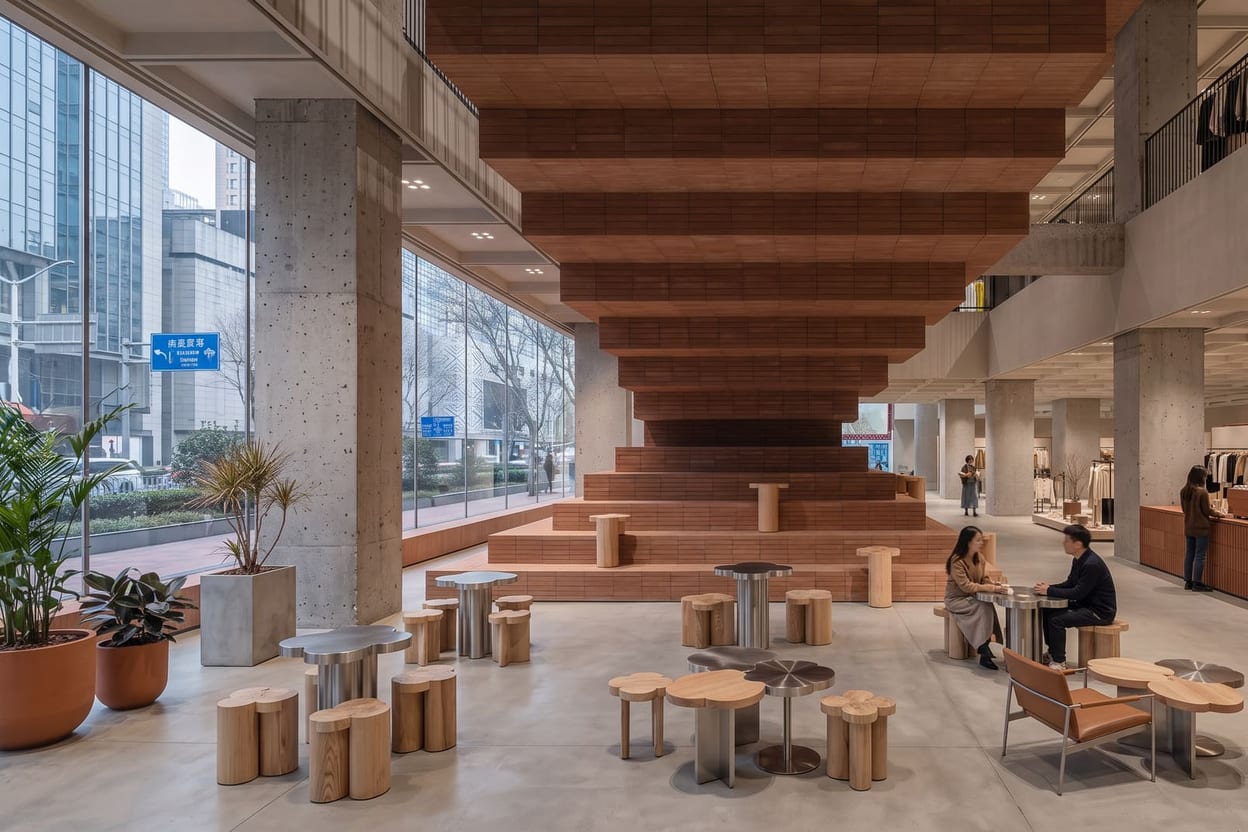
Two years ago, "AI interior design" mostly meant a fun filter that made your bedroom vaguely Scandinavian. In 2026 the category has split into serious tools with very different strengths: quick restylers, staging tools for estate agents, architect-oriented renderers, and one full creative suite with a dedicated interior space. We tested the field on the same rooms — a dated lounge, an empty bedroom and a gloomy kitchen — and this is where each tool lands.
What to look for before you choose
- Works from your own room photo. Generating pretty rooms from scratch is easy; restyling your room while keeping its structure, windows and proportions is the harder, more useful trick.
- Virtual staging. Can it furnish an empty room convincingly, not just repaint a full one?
- Editing after generation. The first image is rarely the final one. Look for instruction-based edits, material swaps and relighting rather than regenerate-and-pray.
- Reference images. The ability to steer results towards specific furniture or materials you supply.
- Output resolution. A mood-board thumbnail and a 4K image you can print or present are different products.
- Value beyond interiors. If you also need headshots, video or upscaling, a suite can replace several subscriptions.
1. Hermosso The Studio — the most complete option
Hermosso is the only AI creative suite with a dedicated, purpose-built interior and architecture space — The Studio — sitting inside a platform that also handles photos of people, video and upscaling. Start from a text prompt or upload a photo of your actual room, and restyle it while the structure, windows and proportions stay put. You can @-mention uploaded reference images (img01, img02…) to direct specific furniture, decor or materials — it guides the generation towards your pieces rather than promising pixel-perfect replication. Then the part most rivals lack: editing after generation. Instruction edits ("make the sofa emerald green"), Restyle into named design styles, Relight, Material swap, Virtual staging, Add people, new Camera angles of the same room, Extend past the frame, and Enhance to 2K or 4K with a before/after slider. Choice of models including Nano Banana 2 and Seedream, multiple aspect ratios, project folders. Our step-by-step guide walks through the workflow.
2. Interior AI — the veteran single-purpose restyler
One of the original tools in the category and still a solid quick restyler: upload a room photo, pick from a large style library, get a reimagined room in seconds. Fast and easy, with modes aimed at staging too. The limits are editing depth after generation and the fact that interiors are all it does — we compare it directly in Hermosso vs Interior AI.
3. REimagineHome — real-estate leaning
A staging-first tool aimed at agents and sellers: furnish empty rooms, declutter occupied ones, recolour walls and exteriors. Sensible, listing-oriented feature set, though creative control and post-generation editing are thinner than a full studio.
4. RoomGPT — the simplest possible demo
The free tool that introduced millions of people to the idea: one photo, one style, one restyled image. Charming as a first taste, but there's no staging, no editing, no references and modest resolution. If you've outgrown it, see our RoomGPT alternatives roundup.
5. Collov — design with a shopping layer
Collov pairs AI redesign with shoppable furniture suggestions, which suits homeowners who want to buy what they see. The commerce angle is the differentiator; pure visualisation control is more limited.
6. mnml.ai — for architects
A toolkit aimed at architecture workflows: sketch-to-render, exterior and landscape renderers, and material exploration. Strong for early concept work from drawings rather than photographs of finished rooms.
7. Planner 5D — floor plans first
Less a photo restyler, more a room planner: draw or import a floor plan, arrange furniture in 2D/3D, then render views. Right tool if you're planning a layout from scratch; wrong one for restyling a photo of the room you already have.
8. SofaBrain — quick staging for agents
A fast, uncomplicated staging and restyle web app popular with agents who need listing photos turned around quickly. Narrower toolset, but it does its one job with little fuss.
How to choose
- Want the fullest toolset — generation, deep editing, staging, 4K — plus a whole creative suite? Hermosso The Studio.
- Just want a fast style swap on one room? Interior AI or RoomGPT will show you the idea in seconds.
- Staging empty properties for listings? REimagineHome, SofaBrain, or The Studio's Virtual staging tool.
- Working from sketches and drawings? mnml.ai.
- Planning a layout from a floor plan? Planner 5D.
Try it on your own photos
Upload a few selfies, and Hermosso trains a private AI model of you — then generates studio-quality photos in any style. Your first credits are free.
Create your AI photos →Frequently asked questions
What is the best AI interior design tool in 2026?
For the most complete package, Hermosso's The Studio: it generates interiors from a prompt or your own room photo, then offers the deepest editing toolset in the category — restyle, relight, material swap, virtual staging, camera angles and 4K enhancement — inside a wider AI creative suite. Simpler tools like Interior AI or RoomGPT are fine for a quick single restyle.
Can AI redesign my actual room from a photo?
Yes. The better tools restyle an uploaded photo of your room while keeping its structure — walls, windows, proportions — so you're looking at your space reimagined, not a generic room. Hermosso, Interior AI, REimagineHome and RoomGPT all work this way, with varying levels of control.
Which AI interior design tool is best for virtual staging?
REimagineHome and SofaBrain are purpose-built for estate-agent staging. Hermosso's The Studio also includes a dedicated Virtual staging tool, with the advantage that you can keep editing the staged result — swapping materials, relighting, changing camera angle — and enhance it to 4K.
Are AI interior design tools free?
RoomGPT offers a free taste, and most paid tools have trials or low-cost entry tiers. Free tiers usually come with limits — one style at a time, lower resolution, no editing — so treat them as a way to test on your own room before committing.
Can I use my own furniture in an AI room redesign?
In Hermosso's The Studio, yes: upload reference photos of your furniture or materials and @-mention them in the prompt to steer the design towards those pieces. It guides the result rather than guaranteeing pixel-perfect fidelity, but it gets you strikingly close for planning purposes.