From Idea to Finished Visuals: A GPT-6 Astra Creative Workflow (2026)
Most people use AI creative tools backwards. They open an image generator, stare at an empty prompt box, type "cool photo," and wonder why the result looks like everyone else's. The professionals do it the other way around: the concept comes first, in words — the pixels come last. GPT-6 Astra, OpenAI's new frontier reasoning model, happens to be very good at the words part. Pair it with a visual suite and you get a workflow that goes from a blank page to finished photos and video in one sitting.
Step 1 — Brief Astra like a creative director
Don't ask Astra for "ideas." Brief it the way you'd brief an agency: who you are, who the audience is, what the work needs to achieve, and what it must avoid. Astra's long context window is the quiet superpower here — paste in your brand guidelines, three posts that performed well, and the brief in one message.
Try: "You are a creative director. My brand is [description], my audience is [who], and this campaign needs to [goal]. Give me three distinct creative concepts for a photo series — each with a one-line pitch, a mood, a color palette, and why it will stop the scroll."
Pick the strongest concept, then push back: ask what a skeptical viewer would find boring about it, and have Astra sharpen it. This adversarial pass is where the reliability gains in GPT-6 Astra pay off — it holds the thread instead of caving instantly.
Step 2 — Turn the concept into a shot list and prompts
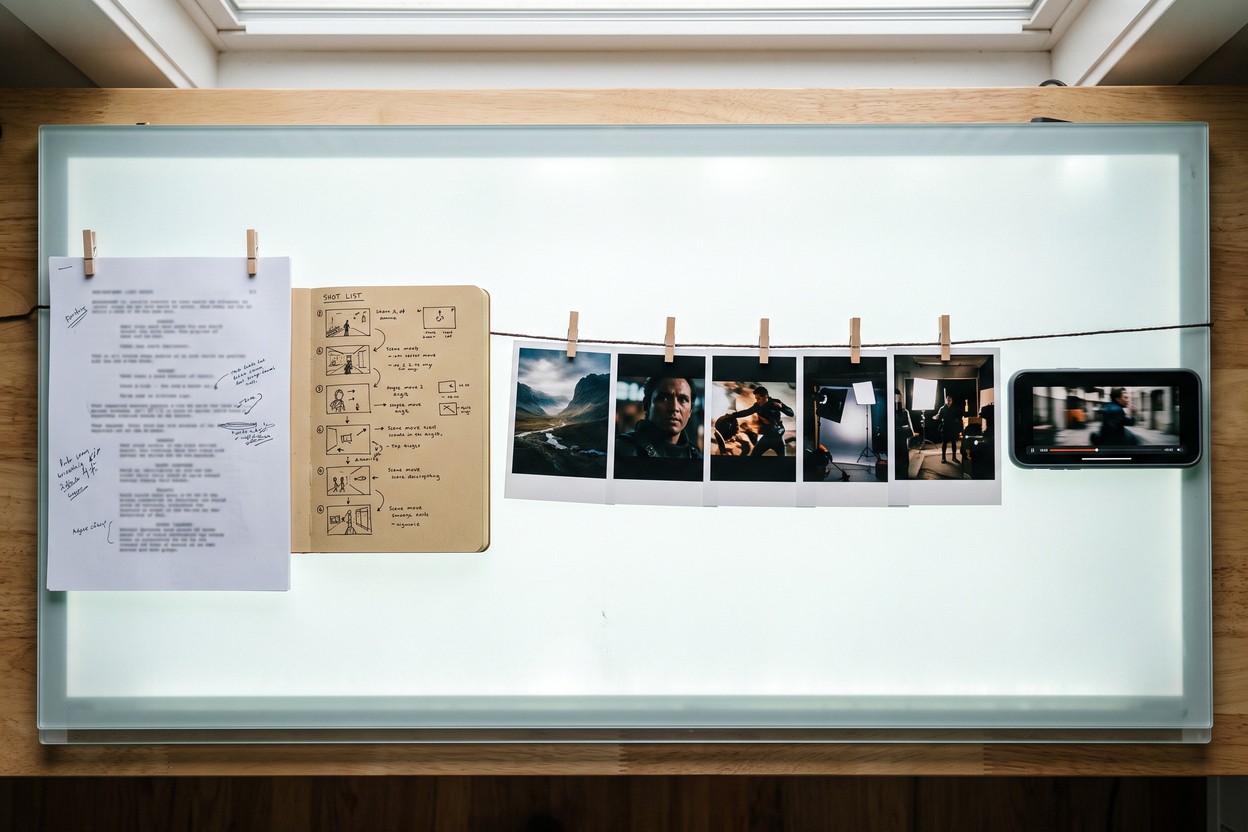
Next, have Astra translate the winning concept into production language: a numbered shot list (framing, lens feel, lighting, wardrobe, setting) and, for each shot, a ready-to-paste image prompt. Ask for the prompts to be written for a photorealistic model and to vary one variable at a time — same subject, different light; same light, different backdrop — so you can compare results meaningfully.
Try: "Turn concept two into an 8-shot list. For each shot write a detailed prompt for a photorealistic AI image model: subject, pose, lighting, lens look, background, mood. Keep the subject's description identical across all eight."
Step 3 — Generate the stills
Now execute. In Hermosso's Create studio, paste Astra's prompts and run each one across two or three of the 17 image models on offer — the models render identical prompts differently, and the winner is rarely predictable, which is why a multi-model picker beats loyalty to any single engine. Working with people? Skip prompting entirely: upload 10–20 selfies, train your private model, and shoot the concept in one of 67 photoshoot packs — or describe the pack Astra imagined and generate it as a custom shoot.
Step 4 — Animate the winner
Take the best frame into Photo to Video and turn it into a clip with sound. Sixteen engines — Kling 3, Seedance 2.5, Veo 3.1, Hailuo H3 Max and more — take the same still in different directions: cinematic camera moves, subtle living-photo loops, full UGC-style motion. A one-click camera preset replaces prompt engineering here; run two or three engines and keep the best take.
Step 5 — Polish and ship
Finish the assets before they leave the suite: sharpen hero images with the 22K Upscaler, fix lighting with Relight, extend a crop that came in too tight. Then feed the results back to Astra — it can write the captions, the alt text, and the three launch tweets while you download the finals.
Why not do it all in one tool?
Because no single model does both halves well. Reasoning models plan; media models render. Astra will happily write you a beautiful prompt, but it can't show you the picture — and image models can't tell you whether the concept was worth shooting. The two-tool split isn't a workaround; it's how professional production has always worked, compressed into an afternoon. New accounts get 750 free credits and credits never expire, so the whole test run above costs nothing.
Try it on your own photos
Upload a few selfies, and Hermosso trains a private AI model of you — then generates studio-quality photos in any style. Your first credits are free.
Create your AI photos →Frequently asked questions
What is the best way to use GPT-6 Astra for creative work?
Use it as the ideation and scripting layer: brief it like a creative director, have it produce concepts, shot lists and ready-to-use image prompts, then execute those prompts in an AI image and video suite like Hermosso. Astra writes; media models render.
Can GPT-6 Astra create the images itself?
No — GPT-6 Astra is a text and reasoning model. It produces the concept, script, shot list and prompts; you run those prompts through image models (Hermosso's Create studio offers 17) and video engines (16 in Photo to Video) to get finished visuals.
Do I need to write my own image prompts?
Not if you use the workflow above: Astra drafts detailed, model-ready prompts from your concept, including consistent subject descriptions across a whole shot list. You can still edit them, but you start from a professional draft instead of a blank box.
What does this workflow cost?
Astra is included in ChatGPT Plus and up (API: $10/$50 per million input/output tokens). On Hermosso, new accounts get 750 free credits and credits never expire, so a first end-to-end test — stills plus an animated clip — costs nothing.