How to Create AI Photos of Yourself (Step by Step, 2026)
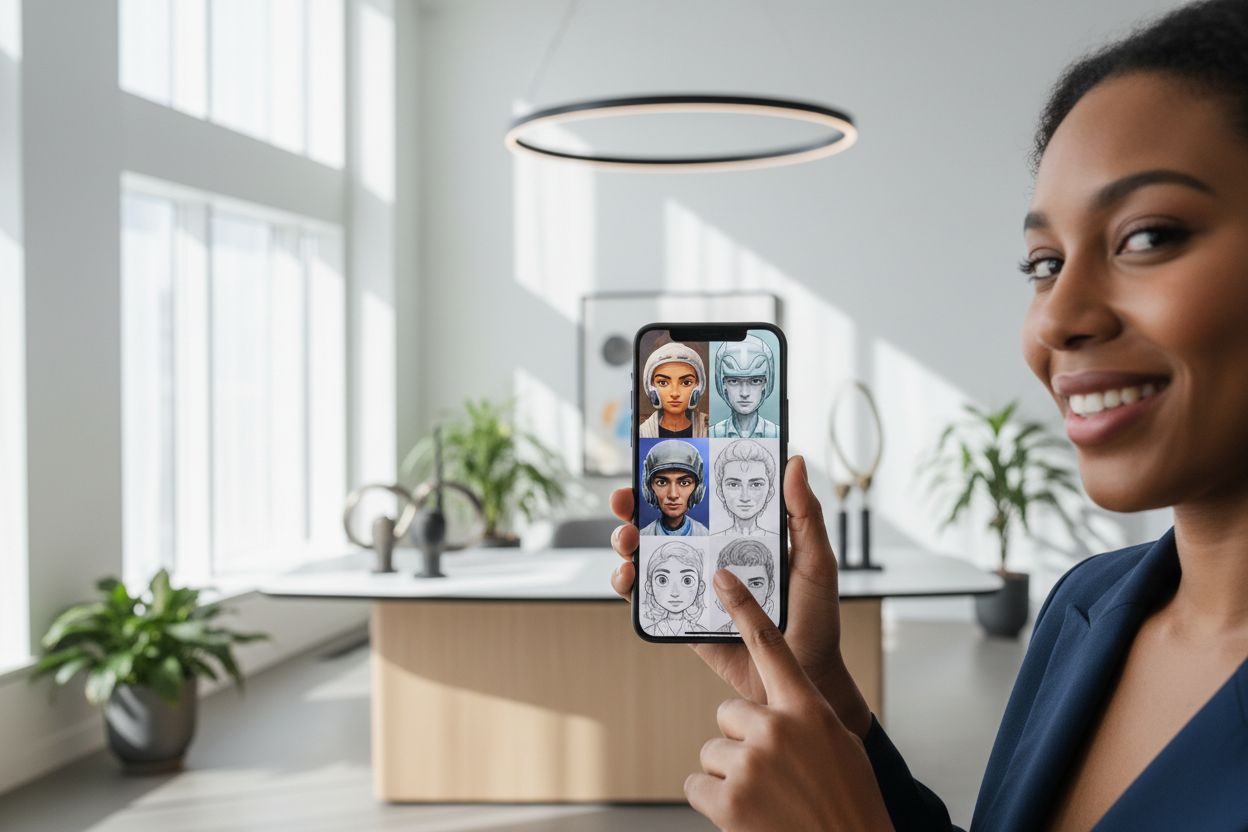
"How do I create an AI image of myself?" is one of the most-searched questions in AI right now — and the answer is much simpler than it was a year ago. You upload some selfies, the AI learns your face, and from then on you can generate photos of yourself in any setting, outfit or style. Here's the whole process, step by step.
Step 1 — Gather 10–20 everyday selfies
The AI learns your face from ordinary photos — no professional shots needed. What matters is variety: different angles, different lighting, a mix of close-ups and half-body frames. A few rules that make a real difference:
- Only you in the frame — no group shots, no sunglasses, no heavy filters.
- Recent photos that actually look like you today — current hairstyle, beard or glasses included if you wear them daily.
- Sharp and well-lit. Blurry or very dark photos teach the model less.
Step 2 — Train your personal model (or skip training)
Upload the set to Hermosso's AI Persona and the private model trains in about two minutes. It learns your facial structure, skin tone and features — and it's private to your account, never used to train anyone else's model, and deletable anytime.
In a hurry? The instant engines (Nano Banana and Seedream 5 Pro) skip training entirely: one good reference photo in, results out immediately. Training gives the most consistent likeness across many photos; instant is the fastest way to see yourself in a new style.
Step 3 — Pick what you want to be doing
This is the fun part. Instead of writing prompts, you choose from 67 curated photoshoot packs — professional headshots, dating photos, fashion editorials, travel scenes, seasonal shoots. Each pack is a styled shoot with the lighting, wardrobe and backdrop already designed; your model drops you into it. 50 credits per photo, and you can generate a whole set in minutes.
If you'd rather steer with words, the Create studio runs 17 image models — GPT Image 2, Nano Banana 2, Seedream 5 Pro, FLUX 2 and more — behind one prompt box, and several engines take your photo as a reference to keep the likeness.
Step 4 — Refine and finish
Good results get better with the built-in tools: sharpen with the 22K upscaler, change the scene's lighting with Relight, try a different cut or colour with Hairstyle try-on, or turn a favourite frame into a short clip with Photo to Video.
What it costs to try
New accounts get 750 free credits — enough to test the instant engines or start a photo set before paying anything. Plans start at $9/month billed monthly, credits never expire, and there's no per-model add-on: one balance covers everything.
Try it on your own photos
Upload a few selfies, and Hermosso trains a private AI model of you — then generates studio-quality photos in any style. Your first credits are free.
Create your AI photos →Frequently asked questions
How do I create an AI image of myself?
Upload 10–20 varied selfies to Hermosso's AI Persona, train a private personal model in about two minutes (or use the instant no-training engines with one good photo), then generate photos of yourself from 67 curated packs or a text prompt — 50 credits per photo.
How many photos do I need to train an AI model of myself?
10–20 selfies work best: varied angles, lighting and framing, only you in the shot, no sunglasses or heavy filters. If you don't want to train at all, the instant engines work from a single good reference photo.
Is it free to make AI photos of yourself?
Hermosso gives new accounts 750 free credits on signup, so you can create your first AI photos of yourself free. Paid plans start at $9/month, and credits never expire.
Are my selfies and AI model private?
Yes. Uploads and trained models are private to your account, are never used to train models for other users, and you can delete your model and photos at any time.
Why don't my AI photos look like me?
Almost always the input set: too few photos, heavy filters, sunglasses, group shots or old photos that don't match your current look. Retrain with 10–20 recent, sharp, varied selfies and likeness improves dramatically.